
Best Programmable vs Smart Thermostat Options
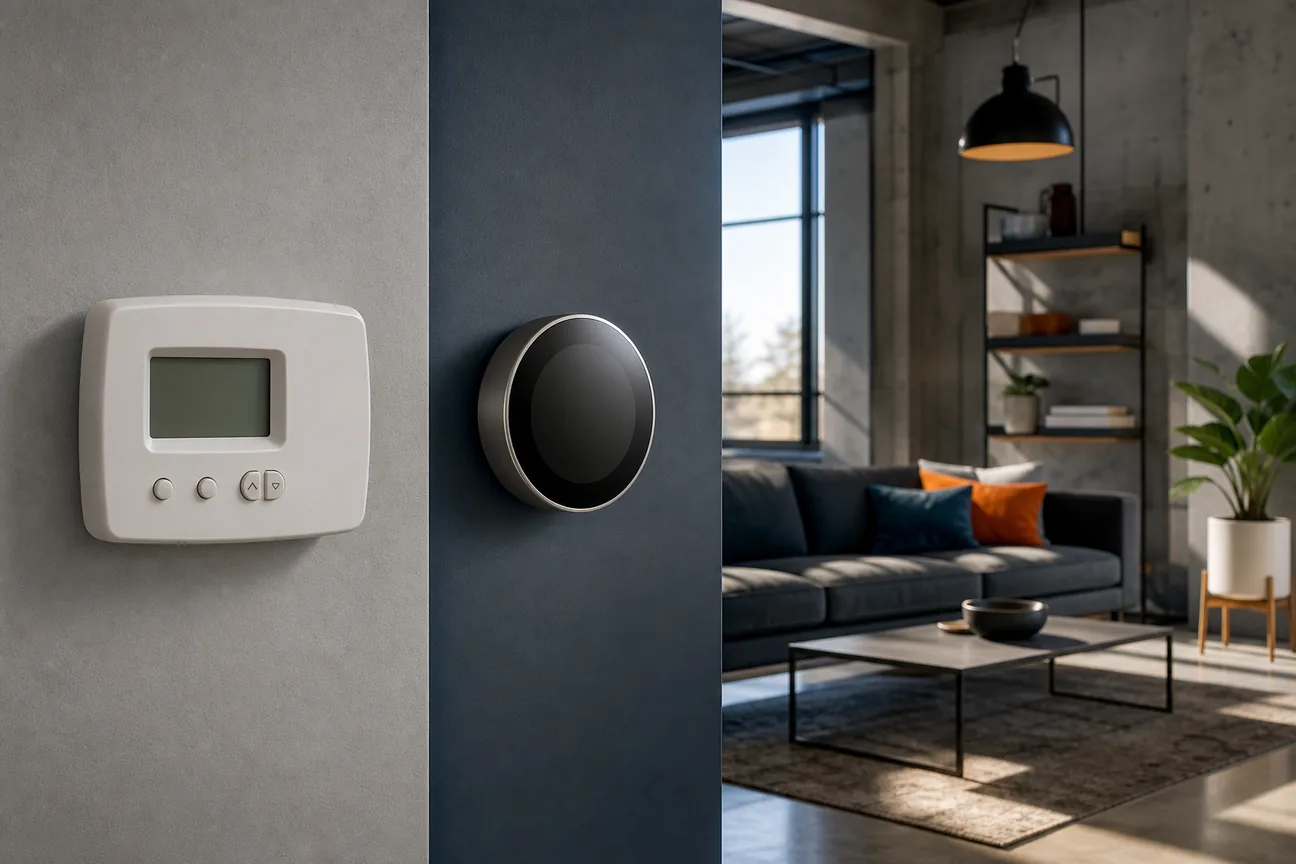
A thermostat can follow a schedule, respond to your phone, or adjust settings on its own. A “smart” label doesn’t always mean much automation. Compare these options and local HVAC support to find a fit for your home and routine.
Table of Contents
Before You Choose: Local Help Matching a Thermostat to Your HVAC System
Programmable Thermostats: Simple schedules without app-based automation
ecobee Smart Thermostat Enhanced EB-STATE6L-01: Occupancy sensing and connected-home control
Google Nest Learning Thermostat 4th Gen: Routine-learning automation
Honeywell Home T9 RCHT9510WF: Remote sensing for room-by-room comfort
Before You Choose: Local Help Matching a Thermostat to Your HVAC System
Home Worx Heating and Cooling is a family-owned HVAC contractor in Colfax, California. For homeowners weighing a programmable vs smart thermostat, our team can help check whether a device fits the heating and cooling equipment already in the home.

That check matters because a thermostat is part of a control system, not a stand-alone screen. Wiring, heat-pump stages, and the type of HVAC system can affect what will work. Some smart models need a C-wire, which supplies steady power. An adapter may help in some setups, but compatibility depends on the equipment and thermostat.
Our service area includes Auburn, Colfax, Rocklin, Roseville, Grass Valley, Penn Valley, and Lincoln. The Sierra foothills bring hot, dry summers and cold winter nights, so a schedule that makes sense in July may need a different setting in January.
We install and configure all major thermostat brands, and we’re open 24 hours a day, seven days a week, for emergency repair. If a thermostat upgrade turns into a full system replacement, we offer financing for a new HVAC system for as low as $120 a month, about $4 a day (terms and conditions apply).
For a closer look at the control side of HVAC, see our explanation of the parts of an HVAC system . Contact Home Worx Heating and Cooling for local help choosing a thermostat.
1. Programmable Thermostats: Simple schedules without app-based automation
In the programmable vs smart thermostat decision, a programmable unit suits people who want set times and temperatures without app control. You program each day, then the thermostat follows that schedule until you change it.
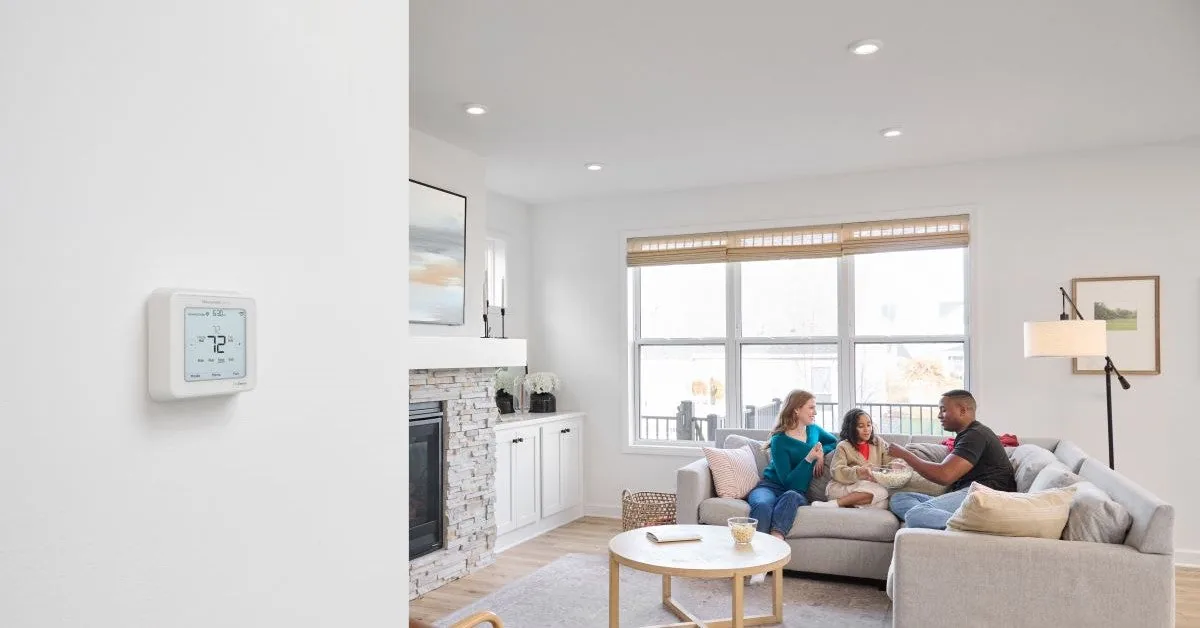
That can work well if the household has a steady routine. For example, a homeowner in Lincoln who leaves at the same time each weekday could set the system to ease off while the house is empty, then return toward a comfortable temperature before they get home. You can also set different times for weekends.
The trade-off is that the schedule can’t react to a late meeting or an unexpected day at home. You have to change the setting yourself. If you override the schedule and forget to switch it back, the thermostat may not run as planned. A programmable model also doesn’t provide phone access or location-based adjustments.
Energy savings depend on how the schedule is used and on the home and HVAC system. Setting a less demanding temperature while the home is empty can reduce unnecessary heating or cooling, but a schedule alone can’t guarantee a lower bill. For summer schedules, our guide to setting your AC temperature gives more local context.
Before buying, check that the thermostat supports your system. Older equipment or a heat pump may need specific wiring and settings. A basic programmable option can be a sensible fit when your routine is steady and you’re comfortable making occasional manual changes.
For local thermostat help, contact Home Worx Heating and Cooling.
2. ecobee Smart Thermostat Enhanced EB-STATE6L-01: Occupancy sensing and connected-home control
The ecobee Smart Thermostat Enhanced EB-STATE6L-01 is a smart thermostat for people who want occupancy sensing and connected-home control. It has a radar-based occupancy sensor and works with Amazon Alexa, Apple Home, Google Home, and Samsung SmartThings.
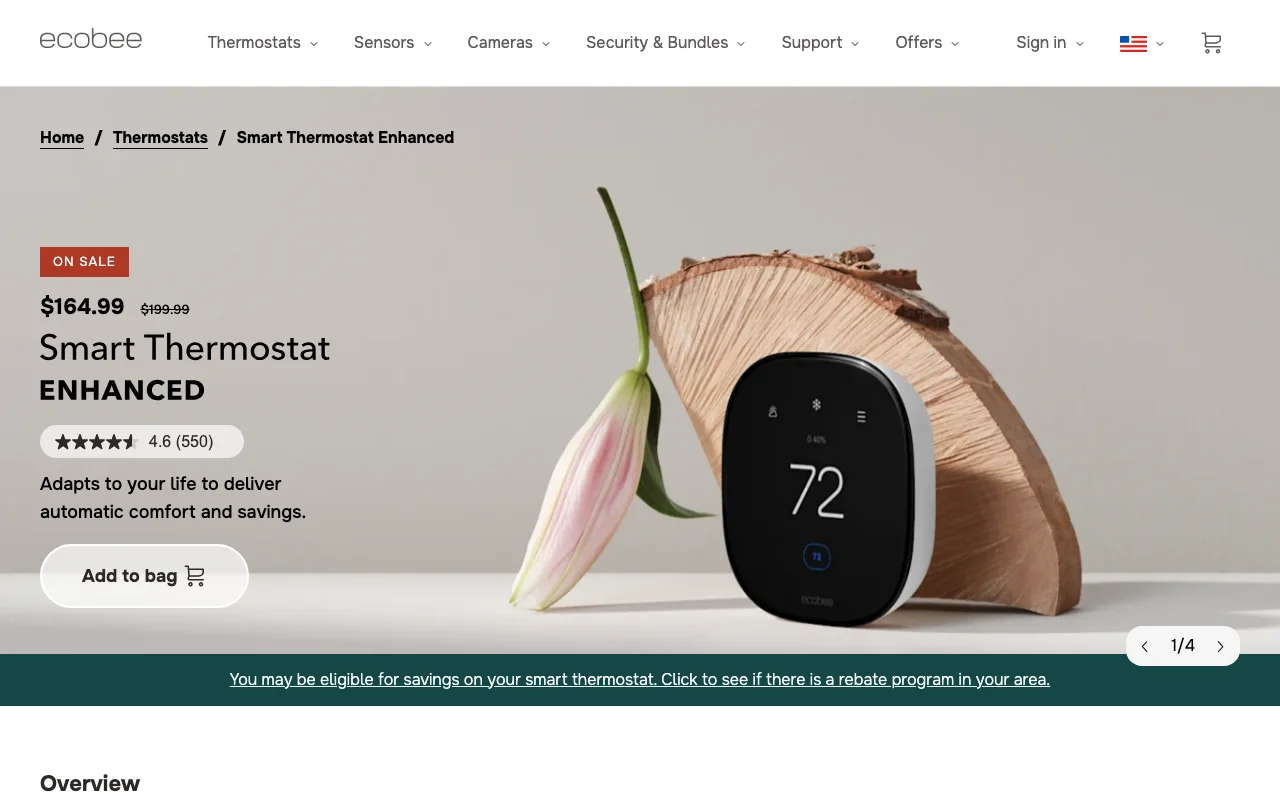
Occupancy information can help a thermostat respond to whether people are home, but the feature list needs a close read. If you want the thermostat to make adjustments without asking, confirm exactly what its settings do before you buy.
In a two-story home in Roseville, a sensor could provide a more useful signal than a schedule based only on the hour. But a thermostat sensor doesn’t fix uneven airflow or turn one HVAC zone into several. A single-zone system still controls the home through its existing equipment.
Check the wiring and system type before installation. A C-wire may be needed for steady power, and heat pumps or more complex systems can call for careful setup. Confirm the model’s features and compatibility before purchase.
This model makes sense if your household already uses one of its supported home platforms and you want occupancy data in the mix. If you mainly want a fixed weekly plan, its connected features may be more than you need.
3. Google Nest Learning Thermostat 4th Gen: Routine-learning automation
The Google Nest Learning Thermostat 4th Gen is a smart option for households interested in routine learning. It offers routine learning, an occupancy sensor, and geofencing. Geofencing uses a phone’s location to help determine whether someone is home or away.
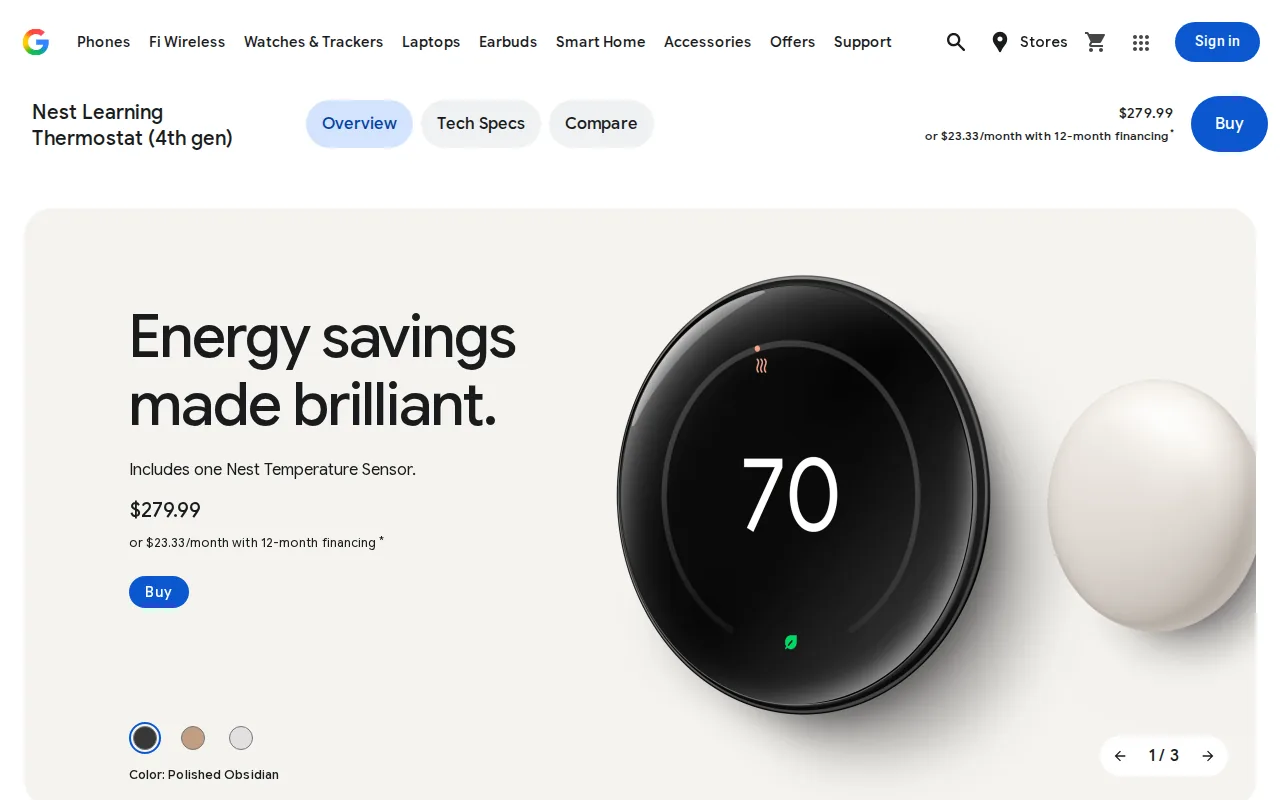
That may suit a household in Auburn where arrival times change through the week. A fixed programmable schedule expects you to keep the schedule current. A learning thermostat aims to adapt to patterns instead. Still, learning and location features depend on setup and settings, so review what the device will adjust automatically and what remains under your control.
Smart features also raise ordinary privacy questions. A connected thermostat may send information through online services. Read the maker’s privacy terms, check app permissions, and secure the account with a unique password. If you’d rather not use a connected account, a non-Wi-Fi programmable thermostat keeps control local to the wall unit.
Compatibility comes first. Compare the thermostat’s requirements with your HVAC wiring. If the system uses a heat pump or has unusual wiring, ask an HVAC professional to confirm the setup before installation.
Learning can save you from editing a schedule every time your week shifts. It can also behave in ways you didn’t expect if its settings don’t match your habits. In foothill communities, hot, dry summers and cold winters make it useful to check the schedule as seasons change. For local thermostat help, contact Home Worx Heating and Cooling.
4. Honeywell Home T9 RCHT9510WF: Remote sensing for room-by-room comfort
The Honeywell Home T9 RCHT9510WF is a smart thermostat option for people who want remote room sensors. A remote sensor measures conditions in another room, which can help the thermostat account for more than the temperature beside the main control.
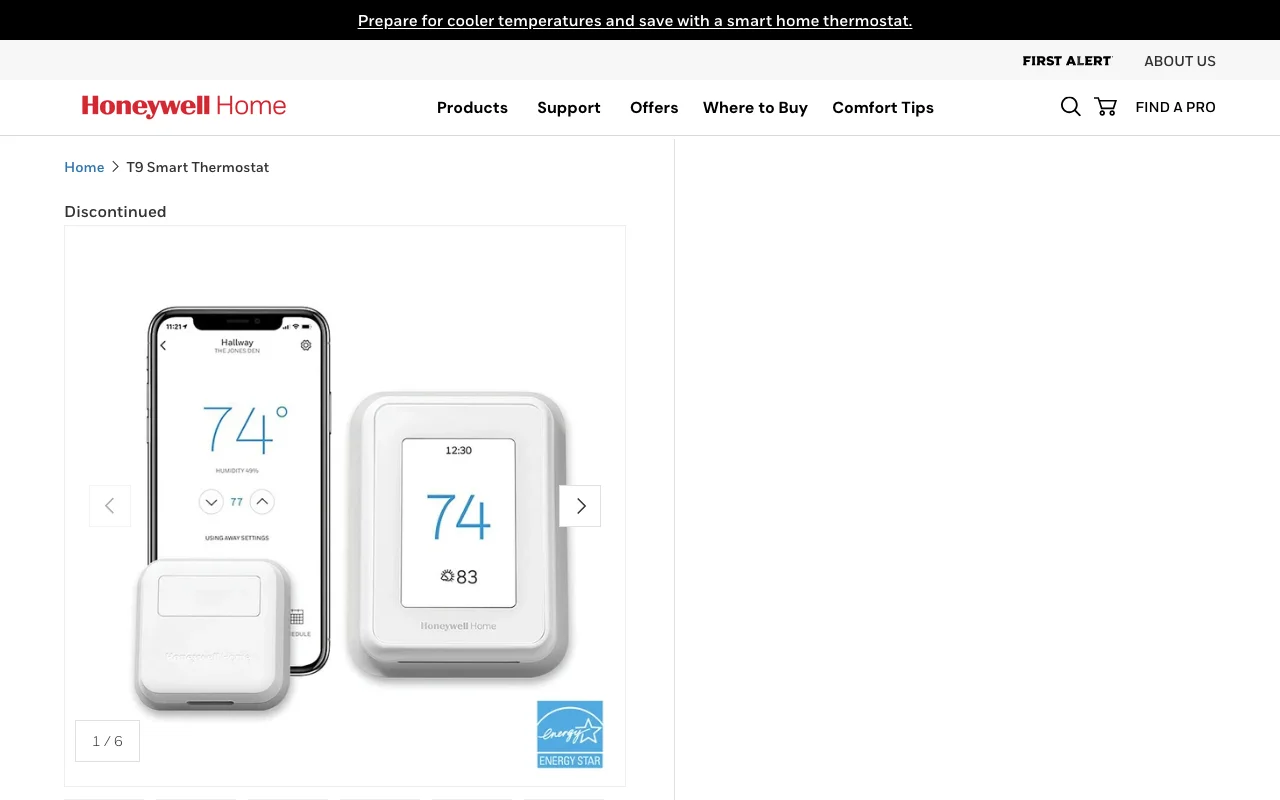
The T9’s product information describes using room sensors to focus on selected rooms based on occupancy or a schedule. When it considers several rooms, it works toward an average temperature. That can help when a hallway reading doesn’t match the room where you spend time, but it doesn’t direct extra air to that room by itself.
It also has Wi-Fi and geofencing, and its room sensors can detect occupancy. For a home in Grass Valley, that mix may be useful when rooms warm or cool at different times. Keep expectations clear: remote sensors can inform the thermostat, but they aren’t the same as a zoned HVAC system with separate controls for different areas.
Check compatibility before purchasing. The maker specifically advises professional help for some setups, including line-voltage systems, dual-fuel equipment, fan coils, and certain two-wire systems.
Choose this type of thermostat when room readings are part of the problem. If the whole home is already comfortable and you mainly need a reliable weekly schedule, remote sensors may not add much. Homeowners in Rocklin and Penn Valley can contact Home Worx Heating and Cooling for local service.
Quick Comparison: Programmable vs. Smart Thermostat Options
A programmable vs smart thermostat comparison is easiest when you focus on how each one will work in your home, not on the word “smart.” A thermostat senses room temperature and signals the HVAC system when to heat or cool. The type of control determines how much you need to manage yourself.
Option | Best fit | What it does | Check before choosing |
7-day programmable thermostat | Households with steady weekly routines | Follows the schedule you set on the device | System compatibility and whether you’ll keep the schedule current |
ecobee Smart Thermostat Enhanced EB-STATE6L-01 | Homes using supported connected-home platforms | Occupancy sensing and schedule suggestions | Wiring, system compatibility, and which changes are automatic |
Google Nest Learning Thermostat 4th Gen | Households interested in routine learning | Uses routine learning, occupancy sensing, and geofencing | Wiring, system compatibility, and privacy settings |
Honeywell Home T9 RCHT9510WF | Homes where room readings vary | Uses remote sensors alongside a thermostat schedule | System type and whether sensors solve the actual comfort issue |
Smart thermostats can provide app access and automation, but those features vary. Ask what “automatic” means for the exact model you’re considering.
Upfront device cost is only part of the decision. Installation may take more work if wiring needs changes, and any energy savings depend on the old settings, system, weather, and your use. A thermostat can also affect when heating or cooling starts, so correct setup matters. Repeated short run cycles are a sign to have the system checked rather than assuming a new thermostat will solve the issue.
Some utilities run voluntary demand-response programs that may adjust eligible thermostats during periods of high demand. Check program terms before enrolling. Also, don’t assume a remote sensor provides separate room control; that usually requires compatible zoning equipment.
Key Takeaway:A schedule-based thermostat is often enough for a steady routine. Choose a smart model when you’ll use its remote or sensing features, and verify system compatibility first.
FAQ
What is the difference between a programmable and smart thermostat?
A programmable thermostat follows times and temperatures you set, while a smart thermostat can add Wi-Fi, app control, sensors, or automation. The exact features vary by model. Some smart thermostats suggest schedule changes rather than making them automatically, so check the product details before assuming it will learn or adjust on its own.
Does a smart thermostat save more energy than a programmable thermostat?
It can, but the thermostat alone can’t guarantee savings. A programmable model may reduce heating or cooling while the home is empty if you set and maintain its schedule. A smart model may make away adjustments easier through sensors or geofencing. Results depend on your HVAC system, past settings, weather, and how you use the controls.
Do I need a C-wire for a smart thermostat?
Some smart thermostats need a C-wire for steady power, while other models or setups may use an adapter. Requirements depend on the thermostat and HVAC system. Check the manufacturer’s compatibility guidance before removing the old thermostat, and get help if you’re unsure which wires you have or how a heat pump is configured.
Can a smart thermostat fix a room that’s too hot or cold?
A remote sensor can give some thermostats a temperature reading from another room, which may help them decide when to run. It doesn’t automatically create separate heating or cooling zones. Uneven comfort can also come from airflow or duct issues, so have those checked if a sensor and schedule don’t address the problem.
Are smart thermostats safe to use?
Smart thermostats connect through an app or online service, so it’s sensible to review privacy settings and account security. Use a unique password and limit app permissions to what you need. If you don’t want connected controls, a conventional programmable thermostat can provide a daily schedule without Wi-Fi or remote access.
Conclusion
Choose a programmable thermostat for a steady routine and straightforward control; choose a smart model if you’ll use its app, sensors, or automation. Before buying, confirm it matches your HVAC system. Homeowners in the foothills can contact Home Worx Heating and Cooling for local help checking compatibility and planning installation.