
What Temperature to Set Your Thermostat in Winter
For most occupied homes, 68°F is a solid winter thermostat setting. At night or during an eight-hour absence, lowering the setting by 7 to 10 degrees can cut heating use by about 10%.
That rule needs one adjustment for heat pumps and extra care during winter travel. Follow these steps to set your thermostat for comfort, lower bills, and pipe safety in the Sierra foothills.
We reviewed 6 currently ranking guides on winter thermostat settings, from MRCOOL, Constellation, Trane, Direct Energy, Honeywell Home, and Tudi. None of the 6 distinguished heat pump setback needs from furnace setback needs or mentioned the auxiliary heat risk during a fast temperature recovery. Only 3 of the 6 gave a specific minimum temperature for protecting pipes during a winter vacation, and those three ranged from 50°F to 60°F. That gap leaves heat pump owners and anyone leaving a home unattended in freezing weather without a clear number to work from.
Table of Contents
Step 1: Set 68°F When Your Home Is Occupied
When you're home and awake, set the thermostat near 68°F. This is a useful starting point for the question, “What temperature should I set my thermostat in winter?”
Most people will need to adjust that number slightly. A drafty older home may feel cold at 68°F. A well-sealed home may feel fine at 66°F. Start at 68°F, then change the setting by one degree after your household has lived with it for a full day.
Small changes work better than large jumps. If your family usually keeps the thermostat at 72°F, dropping straight to 68°F may feel harsh. Lower it to 71°F first. After a day, try 70°F. This gives everyone time to adjust without making the house feel uncomfortable.
General thermostat guidance supports using lower settings during sleeping or away periods. The basic idea is simple: the smaller the gap between indoor and outdoor temperatures, the less heat your home loses.
Dress for the season before turning up the heat. A sweater can make a one-degree change easier. You can also check whether a ceiling fan has a winter direction. Many fans push warm air down from the ceiling when they run slowly in reverse.
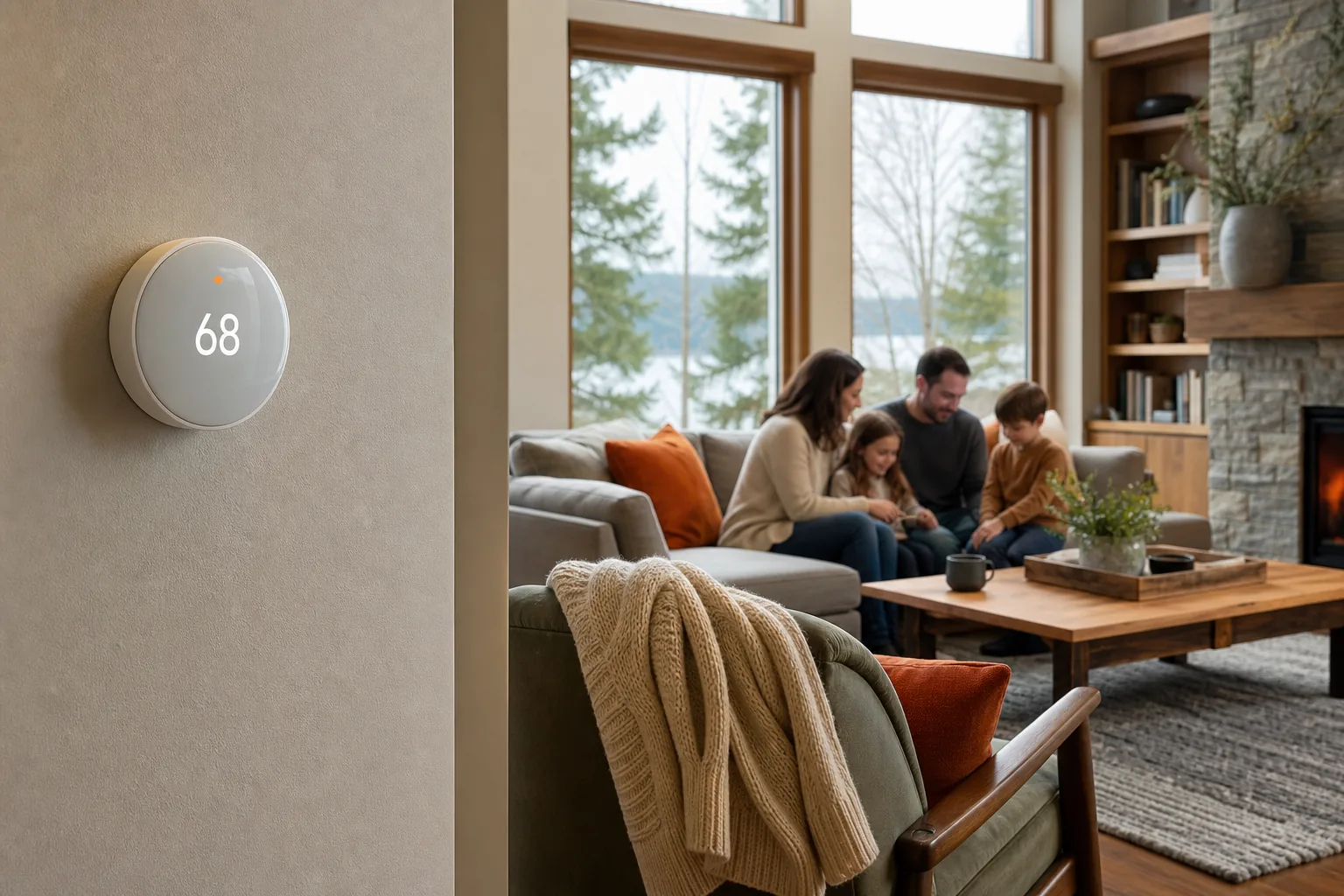
In Auburn and Colfax, outdoor temperatures can shift quickly between sunny afternoons and cold nights. That makes 68°F a better baseline than a fixed promise. Watch how your home feels in the morning, not just what the thermostat display says. Homeowners in Rocklin and Roseville may see similar comfort changes, while homes in Grass Valley, Penn Valley, and Lincoln can also benefit from checking how rooms feel throughout the day.
Home Worx Heating and Cooling helps homeowners in Placer and Nevada counties check whether uneven comfort comes from the thermostat or from airflow, insulation, or equipment. If one room stays cold while another feels warm, changing the set point may only hide the cause. Contact Home Worx Heating and Cooling for local service when you need help evaluating winter comfort.
Key Takeaway:Set 68°F while your home is occupied, then adjust by one degree at a time until comfort and energy use meet in the middle.
Step 2: Lower the Setting While Sleeping or Away
For sleep, try 63°F to 65°F. When you're away for about eight hours, lower the daytime setting by 7°F to 10°F instead of heating an empty house.
For example, a home set to 68°F during the day might use 64°F overnight. If everyone leaves for work or school, an away setting near 60°F to 61°F may fit the schedule. The exact number depends on the home's insulation, outdoor weather, and heating system.
Research guidance collected for this topic points to about 10% lower heating and cooling costs when a thermostat is adjusted 7°F to 10°F for eight hours. That estimate is not a promise for every home. Your savings will change with weather, energy rates, equipment, and how often the system runs.
Heating and cooling make up a large share of household energy use. A household energy overview explains how heating needs affect residential energy use and why home conditions matter when comparing bills.
Situation | Starting setting | What to watch |
Home and awake | 68°F | Raise or lower one degree based on comfort |
Sleeping | 63°F to 65°F | Keep bedrooms comfortable without heating the whole home |
Away for about eight hours | 7°F to 10°F below your home setting | Do not use a large setback with a heat pump without checking its guidance |
Away for more than four hours | About 8°F lower | Use a schedule so the home warms before you return |
Use a programmable thermostat if your schedule stays fairly steady. Set the lower temperature shortly before bedtime or departure. Then program the warmer setting to begin before you wake up or arrive home.
A smart thermostat can help when your schedule changes. You can adjust it remotely if work ends early or a trip lasts longer than planned. The key is to avoid warming the home for hours before anyone needs it.
Keep bedroom doors open if one thermostat controls the full house. Closing doors can change airflow and leave the thermostat reading a warmer central room while another space stays cold. If you prefer a cooler bedroom, use bedding and room airflow before making the entire home colder.
For homeowners in Rocklin, Roseville, Auburn, and Colfax, a simple weekday schedule may work well. Try 68°F before breakfast, 60°F to 61°F during work hours, and 64°F overnight. Test that plan for several days before changing it again. Homeowners in Grass Valley, Penn Valley, and Lincoln can use the same approach and adjust it for comfort.
Pro Tip:Change the setting in one-degree steps when comfort is the priority. Use the full 7°F to 10°F setback only when your system can recover without wasting extra energy.
Step 3: Adjust the Schedule for Your Heating System
The best winter thermostat schedule depends on whether your home has a furnace, boiler, or heat pump. Before you copy a setback plan, identify the system that heats your rooms.
A furnace can usually handle a regular drop at night or while you're away. A heat pump needs more care. Many heat pumps use backup electric heat when they must raise the indoor temperature quickly. That backup heat can use more electricity than normal heat-pump operation.
For a heat pump, start with a change of only a couple of degrees. If your home sits at 68°F, try 66°F overnight instead of dropping straight to 60°F. Check the system manual for the recommended setback range.
Do not keep raising the thermostat to make the system heat faster. A setting of 75°F does not make a furnace or heat pump warm the room at a faster rate than a setting of 68°F. It only tells the system to run longer.
If you see “auxiliary heat” or “emergency heat,” learn what that mode means before changing settings. Our guide to emergency heat on a thermostat explains when that setting is appropriate and why it can raise energy use.
Ceiling fans add an interesting twist. In winter, a fan running slowly in reverse can move warm air down into the living space. If the room feels warmer, you may be able to raise the thermostat by 3°F to 4°F while the fan runs. Turn the fan off when nobody is in the room.
Place the thermostat away from direct sun, supply vents, kitchens, and drafty doors. A poor location can make the display read warmer or colder than the rest of the home. That leads to longer run times and uneven rooms.
Change the air filter on the schedule recommended for your system and household. A dirty filter can restrict airflow. If your furnace runs nearly nonstop, the filter deserves an earlier check.
Home Worx Heating and Cooling can test whether a thermostat schedule fits your equipment. We can also inspect short cycling, weak airflow, and a heat pump that switches to backup heat too often. Those issues call for a system check, not another change to the set point.
Step 4: Protect Pipes During a Winter Vacation
During a winter vacation, keep the thermostat at least 50°F. A setting between 50°F and 65°F is commonly used for an empty home, but the safe choice depends on the weather, pipe layout, insulation, and property condition.
Never shut the heat off just because nobody is home. Pipes near exterior walls, crawl spaces, garages, and unheated rooms can freeze before the thermostat detects a serious drop in the main living area.
Before leaving, program Vacation Mode or an Away schedule. Set the return time so the home starts warming well before you arrive. If your thermostat lacks those modes, write down the normal schedule and set a temporary hold.
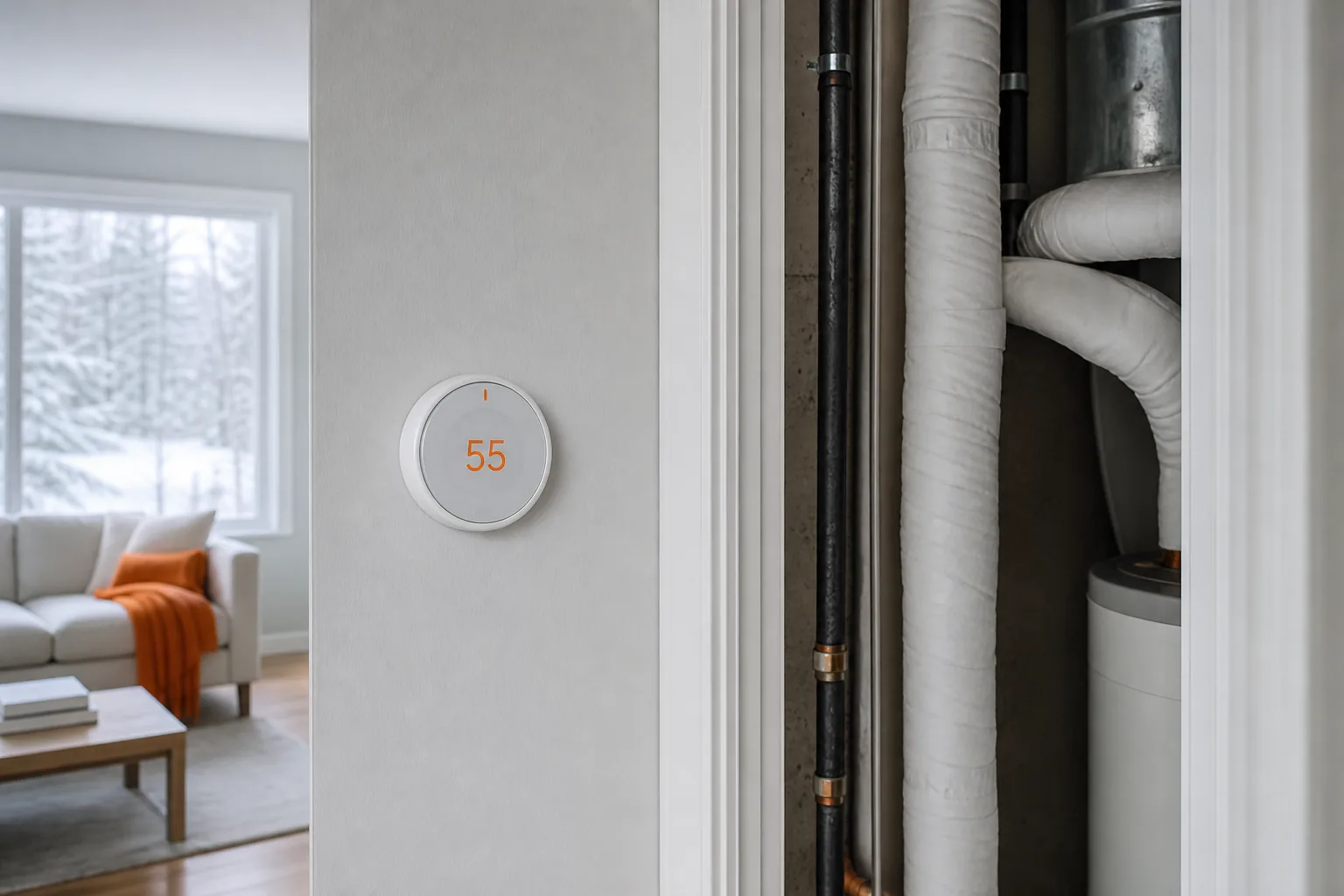
For a short trip, a setting near 60°F may give more protection than the minimum. For a longer trip, inspect the forecast before you leave. Cold snaps can make a borderline setting risky, especially in a home with exposed plumbing.
Ask a trusted person to check the property if you'll be gone for several days. They can look for a frozen pipe, a system shutdown, or an unusual temperature reading. A smart thermostat can help you see a problem sooner, but it cannot repair a failed furnace.
Protect the home itself before departure. Close garage doors. Open cabinets below sinks on exterior walls so warm air can reach the plumbing. Keep interior doors open where safe to improve circulation.
Do not use the vacation setting for a home with pets or plants without checking their needs. A pet staying indoors may need a warmer room. Some plants can suffer well above the minimum temperature needed to protect pipes.
Homes in Grass Valley and Penn Valley can face colder nights than lower foothill areas. If your property is vacant, ask Home Worx Heating and Cooling to review the heating setup before a long trip. A technician can check system operation and point out vulnerable pipe areas.
Key Takeaway:Use a vacation setting of at least 50°F, but choose a warmer setting when the forecast, plumbing layout, pets, or plants call for it.
Step 5: Fine-Tune Comfort and Know When to Call an HVAC Professional
After you set the schedule, watch how the home responds. The right winter thermostat setting should bring steady comfort without long, unexplained run times.
Check the thermostat display against the room where people spend time. If the display says 68°F but the living room feels cold, look for drafts, blocked vents, dirty filters, or poor return airflow.
Also watch for these signs:
The system turns on and off every few minutes.
One room stays cold while the thermostat area feels warm.
The furnace blows cool air for a long period.
A heat pump shows auxiliary heat often.
Your home cannot reach the set temperature.
The thermostat screen goes blank or resets.
Start with safe checks. Confirm the thermostat is in heat mode. Make sure the set point is above the room temperature. Check that supply vents are open and the filter is not packed with dust.
If the furnace is not blowing hot air, our guide to safe furnace checks can help you review basic causes before requesting service. Stop if you smell gas, see smoke, hear loud mechanical noise, or find damaged wiring.
Do not remove panels or work on gas, electrical, or refrigerant parts yourself. Those repairs need a trained HVAC professional. Home Worx Heating and Cooling provides repair, maintenance, installation, and indoor air-quality service for homes across the local area.
For homes in Lincoln, check whether your thermostat plan matches the equipment after any system replacement. A new heat pump may need a different schedule than an older furnace. Local permits and available PG&E or state rebate rules can also matter when equipment changes.
We serve Auburn, Colfax, Rocklin, Roseville, Grass Valley, Penn Valley, and Lincoln. If your thermostat schedule is set correctly but comfort still varies, Home Worx Heating and Cooling can inspect the system and recommend the next step.
FAQ
What temperature should I set my thermostat in winter?
Set your thermostat to about 68°F when you're home and awake. For sleep, try 63°F to 65°F if that feels comfortable. When you're away for about eight hours, lower the setting by 7°F to 10°F, unless you have a heat pump that needs smaller adjustments.
Is 65°F too cold for a house in winter?
65°F is not too cold for many households, especially during sleep or short absences. Some people will need a warmer setting because of health needs, drafts, pets, or room conditions. Start near 68°F, then lower it by one degree at a time.
What temperature should I set my thermostat when I am away?
For an eight-hour absence, lower the normal setting by 7°F to 10°F. During a longer winter vacation, keep the home at least 50°F to help protect pipes. Use a warmer setting if the property has exposed plumbing, pets, plants, or severe cold in the forecast.
Should I lower my thermostat if I have a heat pump?
Yes, but use a smaller setback with many heat pumps. Try changing the setting by only a couple of degrees. A large temperature increase can trigger backup electric heat, which may use more power during recovery. Follow the equipment maker's instructions when they differ.
Can a ceiling fan help in winter?
A ceiling fan can help move warm air down from the ceiling when it runs slowly in reverse. If the room feels warmer, you may be able to raise the thermostat by 3°F to 4°F. Turn the fan off when you leave the room because it does not heat an empty space.
Conclusion
Set your winter thermostat near 68°F when you're home, try 63°F to 65°F for sleep, and use a smaller setback for heat pumps. Keep a vacant home at least 50°F during winter travel. If your home still feels uneven or your system cannot hold the setting, contact Home Worx Heating and Cooling for local help in the Sierra foothills.