
Why Does My Thermostat Say Heat On but No Heat?
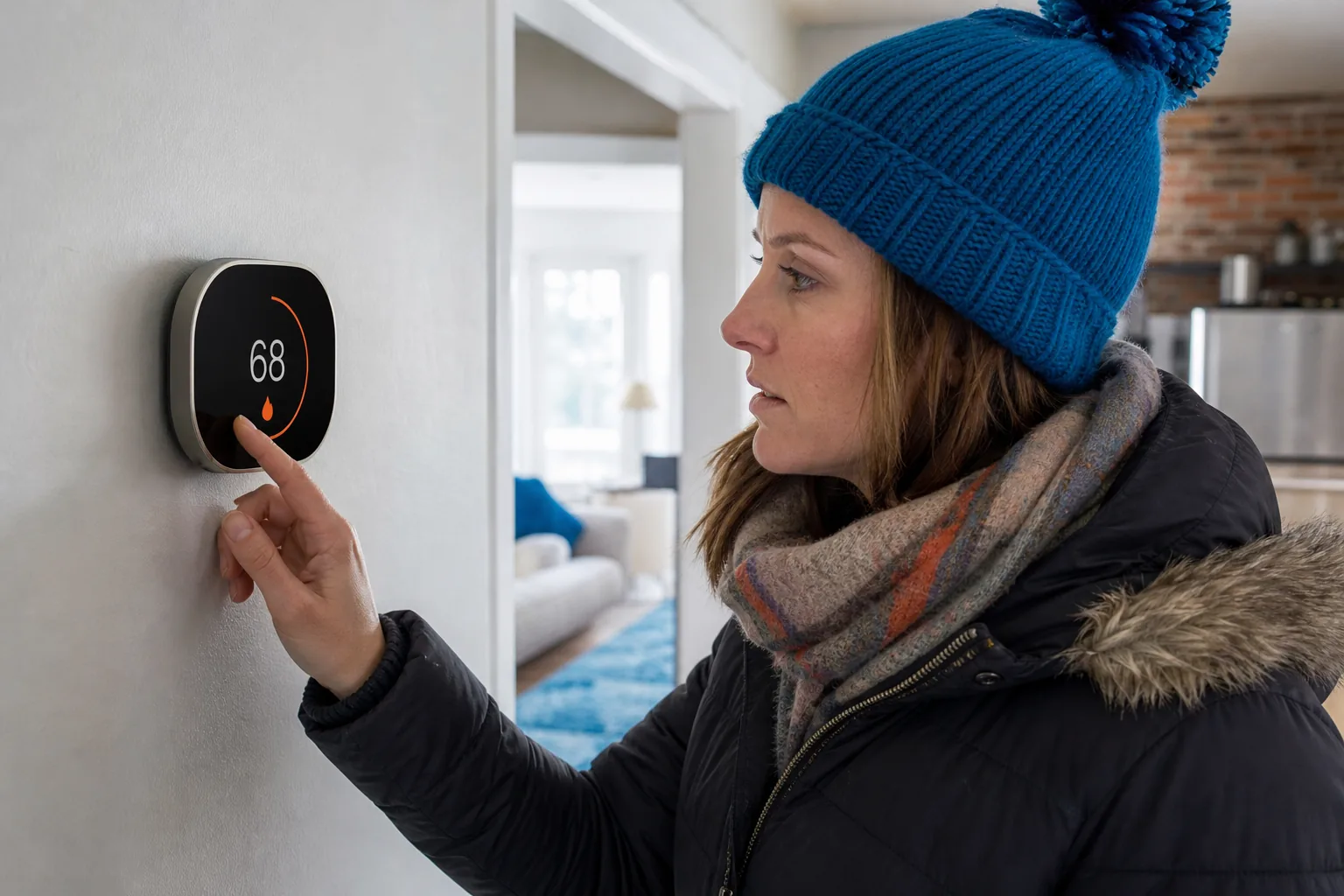
Why does my thermostat say “Heat On” but no heat? The message usually means the thermostat is asking your heating system to run, not that warm air is already reaching your rooms. A power, airflow, wiring, or equipment problem can stop the system after that request. Start with the simple checks below, then stop if the cause isn’t clear or safe to inspect.
Table of Contents
What “Heat On” Means and What It Doesn’t
Think of “Heat On” as a request, not a promise. The thermostat reads the room temperature, compares it with your target, then sends a signal to the heating equipment. It doesn’t make heat itself, and the screen can show an active request even if the furnace or heat pump never starts.
After the request, each system has work to do. A gas furnace must start its ignition sequence before it can warm the air. A heat pump must run its outdoor unit and move heat indoors. A delay of a few minutes can be normal after a setting change or power interruption, so give the system a little time before changing settings again.
A heat pump may also show “AUX” or auxiliary heat. That’s backup heat that can help when the pump can’t keep up or is in a defrost cycle. It’s different from “Emergency Heat,” which usually tells the system to stop relying on the heat pump and use its backup source. If the display terms are unfamiliar, our guide to reading thermostat modes and indicators explains common screen labels.
Heat pumps move heat rather than making it through fuel combustion. That is why the outdoor unit is part of heating, too. A fault in that cycle can leave the thermostat requesting heat while the indoor air stays cool.
The distinction helps narrow the problem. If the system is silent, start with power and the thermostat signal. If the blower runs but the room stays cold, look next at airflow or heat production.
When the Thermostat Signal or System Power Is the Problem
First, check the thermostat settings. Make sure the mode is Heat, not Cool or Fan, and set the target a few degrees above the room temperature. Confirm that a schedule, hold, or vacation setting hasn’t lowered the target behind the scenes. Set the fan to Auto for this test. On the On setting, the fan may circulate room-temperature air between heating cycles.
Next, wait several minutes without changing the setpoint. Some systems pause between cycles. If the display says “Waiting,” “Delay,” or something similar, let that timer finish. Changing the setting repeatedly can restart the wait on some models.
If your thermostat uses batteries, replace them with the type listed for that model. A screen can stay lit even when weak cells can’t reliably send a heat signal. If the thermostat connects to Wi-Fi, its app may show a low-battery alert, an equipment status message, or a system error. Features vary by model, so use the app as a clue, not as proof that the furnace is working.
Check the HVAC breaker in your electrical panel. If it has tripped, reset it once only if you know which breaker controls the system. Also make sure the furnace power switch, which often looks like a light switch near the unit, hasn’t been turned off. A gas furnace still needs electricity to run its controls and blower.
If the breaker trips again, stop. Don’t keep resetting it. A repeated trip points to an electrical or equipment fault that needs a technician. And don’t remove a furnace cover to reach wiring or bypass a door safety switch.
When a furnace stays quiet after these checks, our safe checks for a furnace that won’t turn on can help you sort basic settings and power issues from symptoms that need service. A visible error code or blinking light can also help a technician, so write down the exact pattern rather than guessing what it means.
Pro Tip:Take a photo of the thermostat display and note what you hear after the heat request. That gives the technician useful details without opening the equipment.
How Airflow Problems Can Leave Rooms Cold
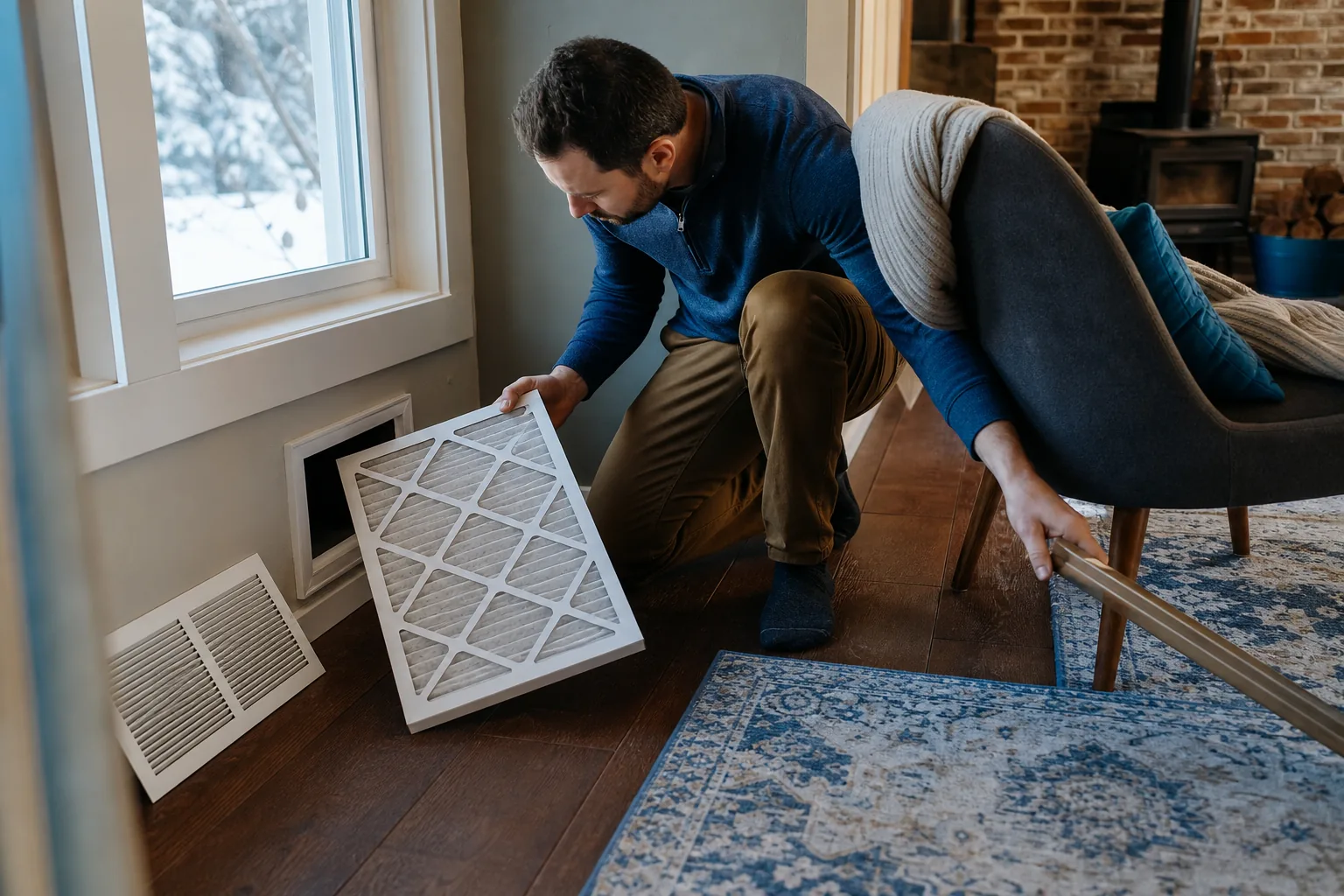
A system can make heat and still leave a room chilly if the air can’t move well. Check the filter first. If it looks packed with dust, replace it with the correct size and type for your system. A clogged filter can reduce airflow; in a furnace, restricted airflow can also trigger a safety shutdown.
Then check the supply vents and return grilles in the rooms that feel cold. Move rugs, curtains, boxes, or furniture away from them. A supply vent sends conditioned air into a room. A return grille lets room air flow back to the equipment. Blocking either side can reduce comfort and make some rooms feel much colder than others.
Pay attention to the pattern. Weak airflow throughout the home may point to a dirty filter, a blower issue, or a problem in the duct system. If one room is cold while other rooms warm up, a blocked grille or uneven air delivery may be involved. Don’t assume the thermostat is faulty just because the room farthest from it feels cold.
Listen and feel at a vent. If air moves but never warms, the system may be running its fan without completing the heating cycle. If almost no air comes out, airflow is the stronger clue. A fan set to On can also push room-temperature air when the burners or heat pump aren’t actively heating.
Homeowners in Colfax and Grass Valley can see cold foothill weather that makes weak airflow more noticeable. In Auburn or Rocklin, a chilly room can also show up when a system starts its first heating cycle after a long, hot summer. Regular filter checks and seasonal maintenance can catch airflow trouble before a cold spell.
For more detail on cool air from a furnace vent, see our troubleshooting guide for a furnace not blowing hot air . If the filter is clean and vents are open but airflow remains weak, leave blower and duct repairs to an HVAC professional.
When the Furnace or Heat Pump Isn’t Making Heat
If the thermostat is set correctly and the equipment has power, the heating system itself may be failing to start. With a gas furnace, you might hear a click, a small motor, or an ignition attempt. If the furnace starts and then shuts down, a safety control may have stopped the cycle. Ignition parts, a flame sensor, or a safety switch are possible causes, but the sound alone can’t identify the failed part.
Don’t try to light an electronic ignitor or adjust gas parts. If you smell gas, leave the area and contact your gas utility or emergency services from a safe location. If you smell burning or see smoke, turn the system off if you can do so safely and get help. These are stop-now signs, not DIY tests.
With a heat pump, look at the outdoor unit from a safe distance. A thin layer of frost can appear during operation, but heavy ice that remains can block heat transfer. Don’t chip ice from the coil, and don’t open the unit. If the system briefly blows cooler air during a defrost cycle, give it time; if it keeps failing to heat, arrange service.
Auxiliary heat can help a heat pump during high demand. It may use electric resistance heat or, in some systems, a furnace as backup. Frequent or extended auxiliary operation while the home stays cold deserves attention. Emergency Heat is a separate setting, not a routine fix for a thermostat that displays Heat On.
Heat pumps transfer heat between indoors and outdoors. A technician can check whether the outdoor unit, controls, or another part of that process has failed.
Home Worx Heating and Cooling handles heating and heat pump repairs for homes in Placer and Nevada County. We serve Auburn, Colfax, Rocklin, Roseville, Grass Valley, Penn Valley and Lincoln, and can diagnose faults that aren’t safe to test at home. A clear account of the sounds, display messages, and checks you’ve tried can help focus the visit.
What You Can Safely Check and When to Call for Help
Keep your checks outside the equipment cabinet. A safe first pass looks like this:
Confirm the thermostat is set to Heat and the target is above the room temperature.
Set the fan to Auto, then wait several minutes for the system to respond.
Replace thermostat batteries if the model uses them.
Check the HVAC breaker and furnace switch. Reset a tripped breaker only once.
Inspect the filter and clear items away from supply vents and return grilles.
Look for a display message or error code, and note what the system sounds like.
Stop if you find frayed wires, a burning smell, repeated breaker trips, heavy ice on a heat pump, or a furnace that starts and quickly shuts off. Don’t test live wires, swap thermostat terminals, bypass a safety switch, or open sealed equipment panels. A wrong move can cause injury or damage a control board.
Call for professional help when basic checks don’t restore heat, the thermostat keeps asking while the system stays silent, or the air remains cold after the system has had time to run. Home Worx Heating and Cooling provides heating repair and maintenance across the area.
Before arranging a visit, note the thermostat model if you can see it, any message on the display, and whether the indoor fan or outdoor unit runs. Don’t remove the thermostat from the wall to get a wiring photo. If the system is making an unusual noise or a safety concern is present, switch it off and wait for a technician.
Pre-season maintenance can help catch a dirty filter or a system issue before the coldest nights arrive. It won’t prevent every fault, but it gives a technician a chance to spot wear and check how the equipment runs before you depend on it.
Frequently Asked Questions
Why does my thermostat say Heat On but the furnace is not running?
The thermostat may be sending a heat request while the furnace has lost power or stopped at a safety control. Check the mode, target temperature, batteries, breaker, and furnace switch. Wait several minutes after changing settings. If the furnace remains silent or a breaker trips again, stop troubleshooting and arrange HVAC service.
How long should I wait when the thermostat says Heat On?
Wait several minutes after a setting change or power interruption because some systems use a start delay. Keep the thermostat in Heat and avoid repeated changes while you wait. If the delay message clears but the system still produces no warm air, check the filter and power once, then contact an HVAC professional if the problem continues.
Can a dirty filter cause the thermostat to say Heat On with no heat?
Yes. A clogged filter can restrict airflow and reduce heat delivery. In some furnaces, poor airflow can cause overheating and trigger a safety shutdown. Check the filter and replace it with the right size and type if it’s dirty. If airflow stays weak or the furnace shuts down again, the cause may be deeper.
Is auxiliary heat the same as Emergency Heat?
No. Auxiliary heat is automatic backup that can help a heat pump meet demand. Emergency Heat is a separate thermostat mode that usually stops the heat pump and relies on its backup source. A brief auxiliary cycle can be normal. If it stays on while your home remains cold, have the system checked.
When should I stop checking the system myself?
Stop if you smell gas or burning, see damaged wiring, find heavy ice on the outdoor unit, or the breaker trips more than once. Don’t open equipment panels or bypass a safety switch. If basic thermostat and airflow checks don’t restore heat, contact an HVAC professional for diagnosis.
Conclusion
“Heat On” means your thermostat is asking for heat, but the equipment may not be able to deliver it. Check settings, power, batteries, and airflow once; leave wiring, ignition, and equipment repairs to a technician. If you’re in the foothills and still have no heat, contact Home Worx Heating and Cooling to arrange local service.